The first time I set up a routine on my Google Home, I said "goodnight" and all the lights went off at once. A small thing, maybe — but exactly the kind of detail that changes how you relate to your home.
A smart home routine is a series of actions triggered automatically by a voice command, a set time, or a specific event. You get home from work and your living room lights up by itself. You say "Alexa, I'm leaving" and the lights go off, the thermostat switches to away mode, the door locks.



Alexa vs Google Home: What's the Difference?
Both platforms support routines, but with some key differences. Alexa is more flexible for complex multi-step automations and integrates with a wide range of third-party devices. Google Home is more beginner-friendly, and its Android integration feels very natural.
If you already have Amazon devices (Echo, Fire TV), Alexa is the obvious choice. If your home runs on Google (Nest, Android), Google Home will feel more seamless day to day.
Creating a Routine with Alexa
Open the Alexa app on your phone. Go to More → Routines → the "+" button. First, choose a trigger:
- Voice: a phrase you say ("Alexa, I'm home")
- Schedule: every day at 7:30 AM, for instance
- Arrival / departure: based on your phone's location
- Sensor: a motion detector, a door opening
Then add actions one by one: turn on a light, adjust the thermostat, play music, send a notification. Save and test immediately — it's satisfying when it works right away.
Creating a Routine with Google Home
In the Google Home app, go to Routines from the bottom menu. You can start from a preset routine (wake up, good night, I'm leaving) or build your own from scratch. The logic is the same: trigger → actions → save.
One Google Home advantage: Sunrise and Sunset routines that automatically adjust to your local sunrise and sunset times. Great for lighting without having to update schedules every season.
5 Routines That Actually Make a Difference
Gradual wake-up: lights slowly increase to 30% ten minutes before your alarm. Much better than waking up in complete darkness at 6 AM.


Leaving for work: one phrase turns everything off, sets the thermostat to away mode, and confirms the door is locked.
Coming home: hallway and living room lights turn on, temperature goes back to your comfort level.
Movie night: dimmed lights at 20%, TV sound on, blinds down. Full ambiance with one command.
Bedtime: automatic check that everything is off, door locked, night thermostat set, Do Not Disturb on your phone.
The Detail Most People Miss
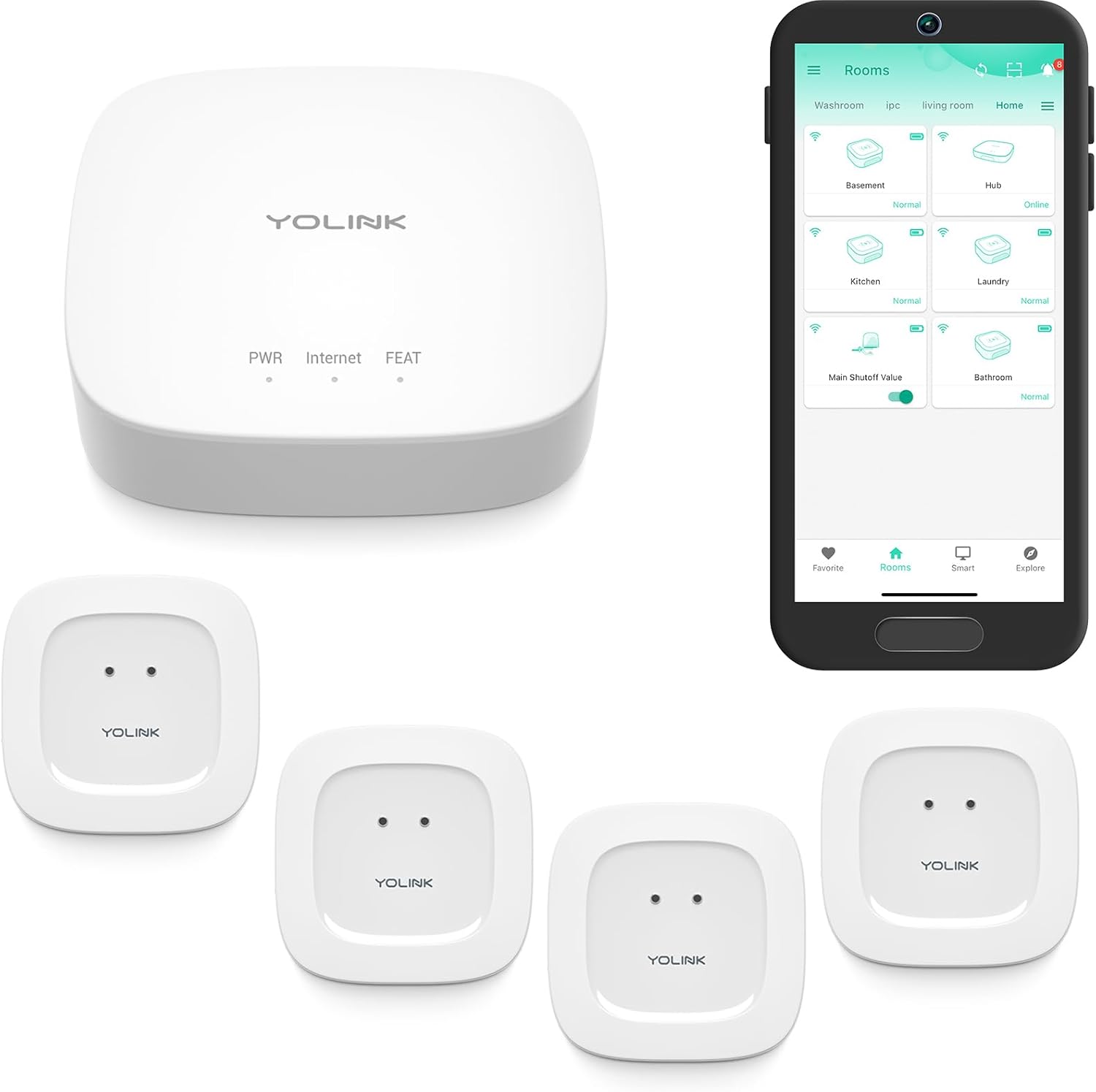
Routines can also respond to physical sensors. A motion detector that turns on the hallway nightlight at 2 AM, a door sensor that sends an alert if someone enters while you're away — all of this is configured in routines, with no coding required.
The learning curve is short. After two or three routines, you start seeing automation possibilities everywhere, and your home becomes genuinely smart.