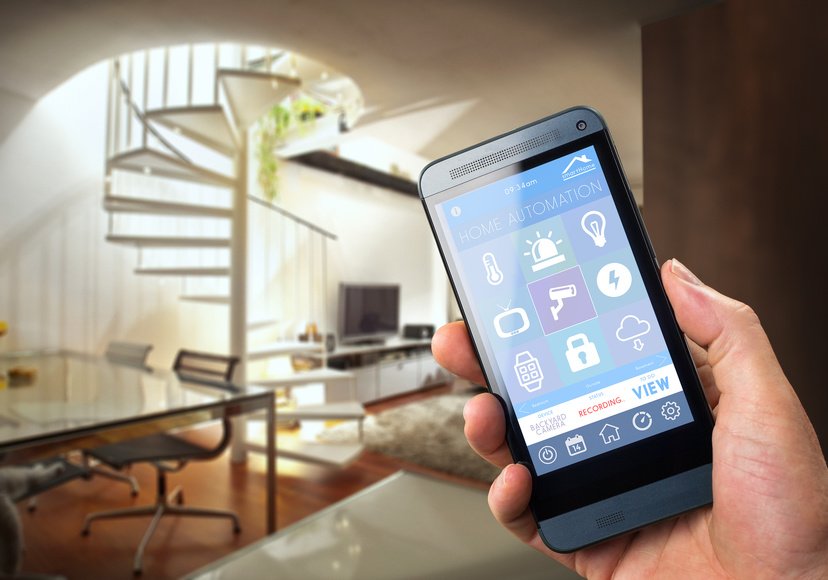
We forget lights on. It's just a fact. The living room stays lit for hours after everyone has moved elsewhere, the bathroom glows in an empty room, the hallway burns until the next morning. Automating your lighting is first and foremost common sense — and a noticeable reduction on your electricity bill.
But it's also about comfort. A light that turns on when you walk into a room, that adjusts to the time of day, that dims automatically at sunset — these small details make a home genuinely pleasant to live in.



Three Ways to Automate Your Lighting
By schedule: the simplest method. You set time ranges — lights on at 6 PM, off at 11 PM. Effective, but not very smart if nobody's actually home.
By sunrise/sunset: voice assistants (Alexa, Google Home) and most smart home apps let you schedule actions tied to the sun. Your outdoor lights turn on at the exact moment of dusk, whatever the season. It's elegant and requires zero manual adjustments throughout the year.
By presence: this is where it gets truly intelligent. A motion sensor detects you're in the room and turns the light on. You leave, it turns off after 5 minutes of no activity. Perfect for hallways, bathrooms, basements, and garages.
Smart Bulbs or Smart Switches?
If you want automation without touching your electrical setup, smart bulbs (Philips Hue, LIFX, Kasa) are the most accessible option. Screw them in, download the app, and you're ready.
Smart dimmers and switches are more discreet and work with your existing bulbs. They're ideal if you have fixtures with multiple bulbs or recessed lights you'd rather not replace one by one.
Setting Up Automation Step by Step
In most apps (Kasa, SmartThings, Google Home, Alexa):
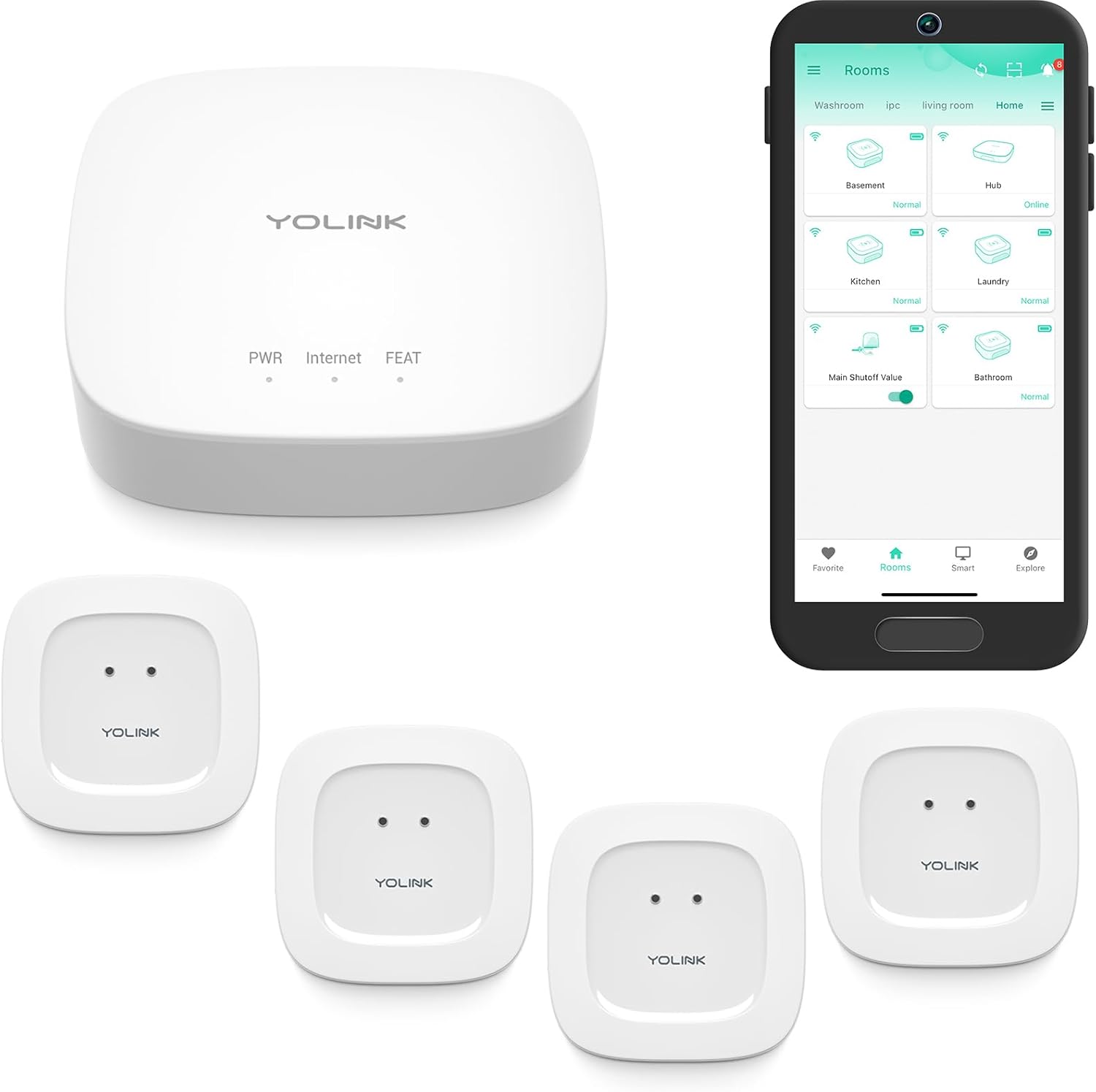

- Go to Automations or Routines
- Select your lighting device
- Set the trigger: time, presence, or sunrise/sunset
- Set the action: on, off, dim to X%
- Add conditions if needed (only when someone is home, only on weekdays)
Going Further with Scenes
Beyond simple on/off, you can create scenes: a set of lighting presets for a specific mood. Bright white at 100% for mornings, warm white at 40% for evenings, very soft blue for nights. A scene activates with one tap or a voice command.
Scenes are where smart lighting goes from a useful gadget to something that genuinely improves your daily quality of life.
