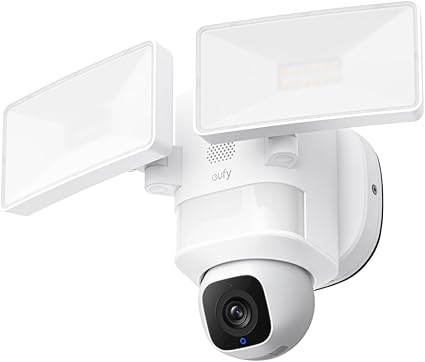
Being on vacation and getting a notification "motion detected in the entryway" — that's the kind of alert you don't want to see. But it's also proof that the system is working.
Monitoring your home remotely from your phone is no longer reserved for high-tech homes with professionally installed systems. Today, a Wi-Fi camera under $80 is enough to have a real-time view of what's happening at home, wherever you are in the world.


The Basic Hardware
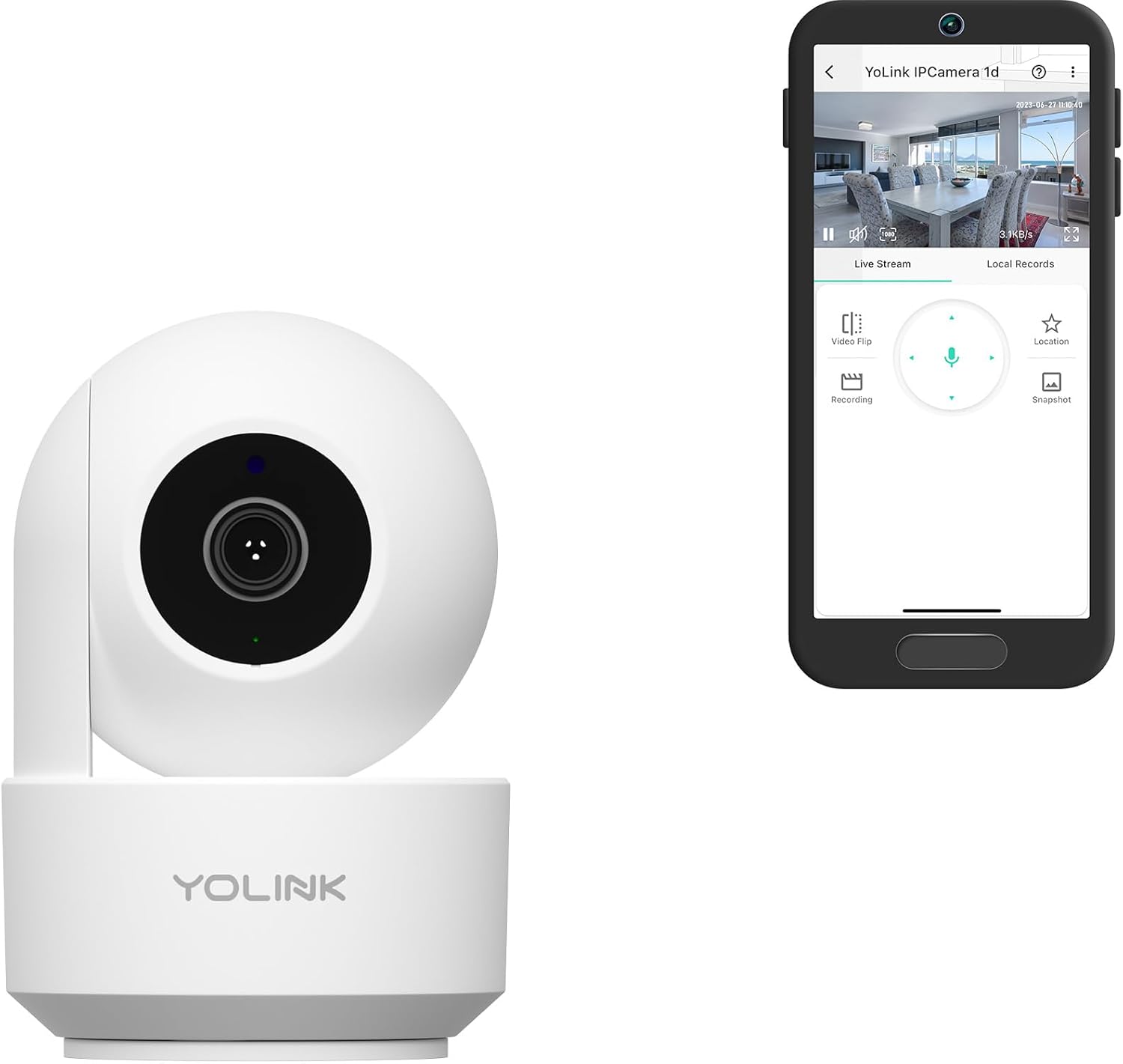
One or two indoor Wi-Fi cameras cover most needs. Placed in the entryway, living room, or near access doors, they give you a live feed accessible from your phone's app. Most recent models include:
- Night vision (infrared or color depending on the model)
- Two-way audio — you can talk and listen
- Motion detection with push notifications
- Cloud storage or local microSD card storage
For outdoors, PTZ cameras (pan, tilt, zoom) let you cover a wide area and even automatically track movement.
The App on Your Phone
Each brand has its own app — TP-Link Tapo, YoLink, Defender, etc. The concept is always the same: create an account, connect the camera to your Wi-Fi, and access the live feed from anywhere.
The best apps also let you:
- Review recorded clips from the past few hours
- Set precise detection zones (ignore passing cars, focus on the entrance)
- Share access with other family members
- Receive differentiated alerts by movement type (person, animal, vehicle)
How Many Cameras Do You Need?
For an apartment, one camera in the entryway is usually enough. For a house, count one indoor camera in the main room, one at the entrance, and one or two outdoor cameras covering the front and back.


Don't overcomplicate things with too many cameras at once. Start with the main access points, see what's missing, and add as needed.
Storage Options
Two options: cloud (monthly subscription, accessible anywhere, videos saved even if the camera is stolen) or local storage on SD card or NAS. For most users, a 64 GB SD card provides several days of motion-triggered recording without any subscription.